
CapCut
CapCut for Windows is ByteDance's desktop video editor, with a timeline, templates and export presets for short and long videos.
533.8 MB

Iriun Webcam is a small free Windows program that turns an Android phone or iPhone into a wireless webcam for video calls and streaming.
Average 0.0 · ratings: 0
Thank you! Your rating is saved; you can change it. Could not save the rating. Please try again later. Too many ratings from your network today. Please try again tomorrow. The average appears after 5 ratings.
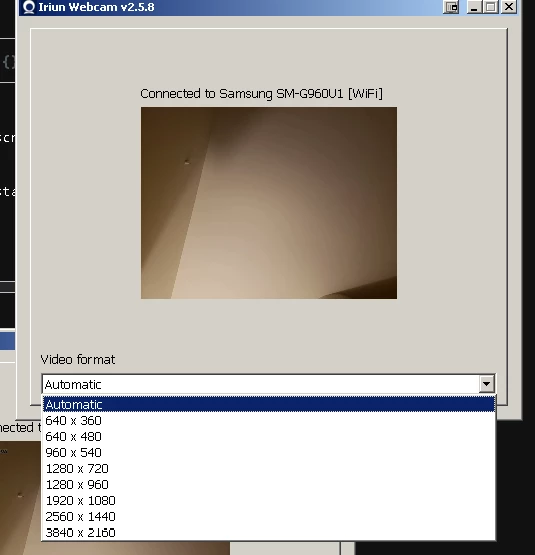
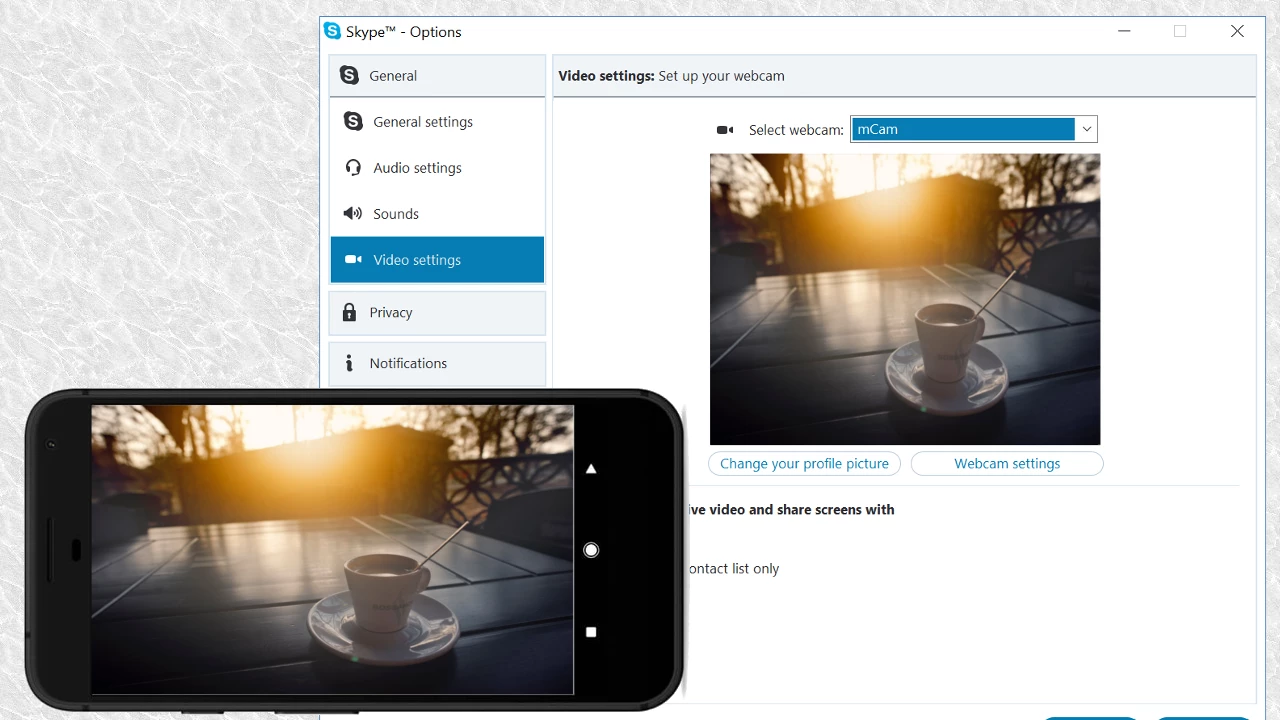
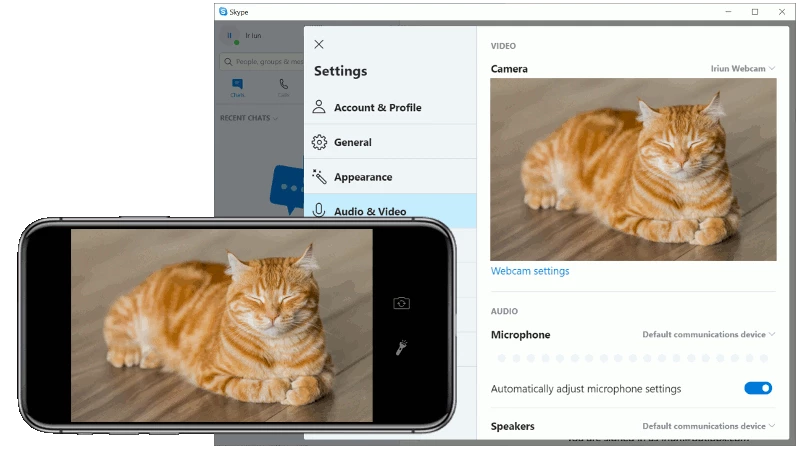
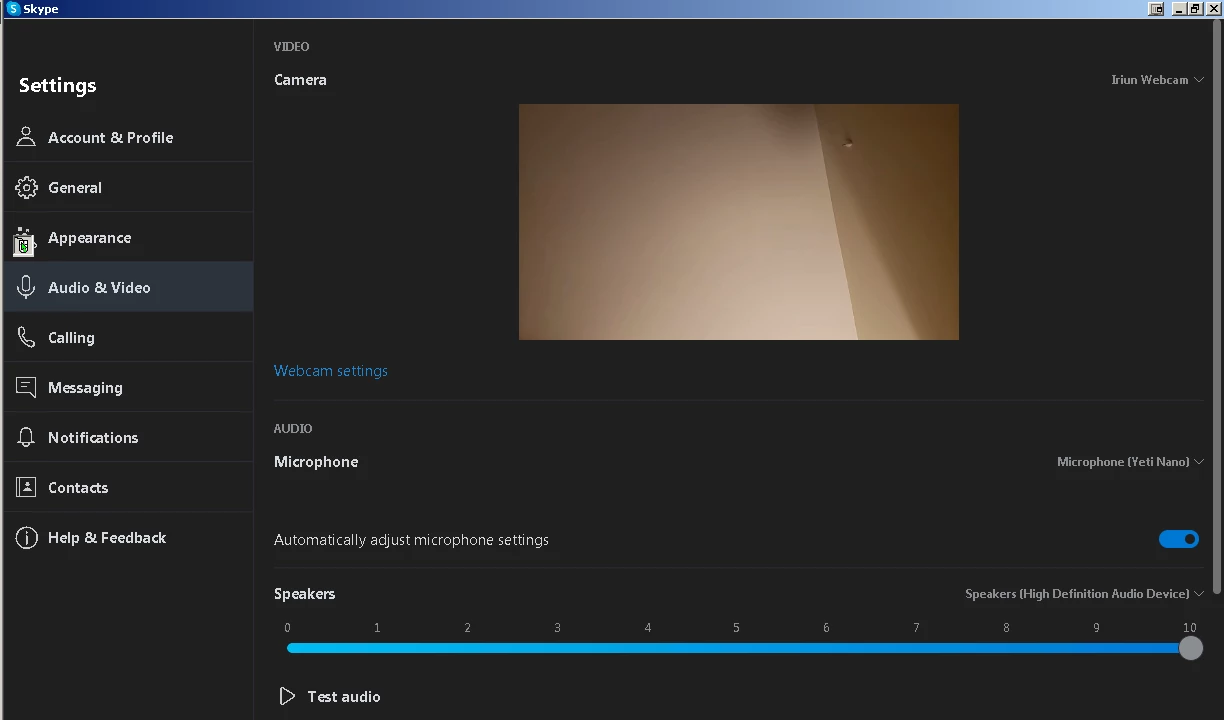
Iriun Webcam 2.9.8 is a small free Windows program from the Iriun Team that lets you use your smartphone as a webcam for the PC. You download Iriun Webcam on the computer, install the companion app on an Android phone or iPhone, and the phone camera shows up in Zoom, Teams, Google Meet, OBS and browsers as a regular camera.
It is a virtual camera driver plus a phone app that streams the camera image over your local Wi-Fi network or a USB cable. On the PC side, Iriun installs a device that any program can select in its camera settings; on the phone, the app captures the image and sends it to the computer. The idea is practical: most phones have far better cameras than the modules built into laptops, so video calls look sharper and handle dim rooms better. A desktop PC without any webcam gets one in a few minutes, without buying hardware. The Windows client is tiny and mostly runs in the background, showing a preview window where you can mirror the image, switch between front and rear cameras and pick the resolution. Many people use it as a second camera for streaming or as an overhead view of a desk for tutorials and product demos.
You need a Windows PC and an Android phone or iPhone with the Iriun app. Both must be on the same local network for a wireless connection, and a firewall must allow the program on private networks. The Windows installer is very small, about 2.58 MB according to catalogue data. For long calls, keep the phone on a charger and on a stable stand.
Get the Windows client from iriun.com and the phone app from the official stores only. The stream travels within your local network. If you install drivers from unofficial sources, you risk adware; a virtual camera driver has deep access to the system, so the source matters.
Yes, the basic version is free. A paid Pro upgrade in the phone app removes limitations such as the watermark and adds extra camera controls; check the current options in the app before buying.
Other phone-to-webcam programs on our site are iVCam and DroidCam. To combine the phone image with screen capture for streaming or recording, use OBS Studio or Streamlabs OBS, and SplitCam can share a camera between several apps at once.
CapCut for Windows is ByteDance's desktop video editor, with a timeline, templates and export presets for short and long videos.

CapCut Web is ByteDance's online video editor that runs in the browser, with templates, text, effects and export for social media videos.

VLC media player is a free, open-source video and audio player for Windows from the VideoLAN team. The current release is 3.0.24.

Green Free Video Converter is a small free Windows program for converting video files between common formats for phones, players and editors.

Format Factory is a free Windows multimedia converter from Free Time for changing video, audio and image files between formats.

Streamlabs OBS, now called Streamlabs Desktop, is a free open-source Windows app for live streaming and recording with built-in alerts and overlays.

Free Cam is a free screen recorder for Windows from iSpring Solutions for recording screencasts with voice-over and trimming them before export.

TikTok for Windows is the desktop app of the short-video platform from TikTok Pte. Ltd., available free from the Microsoft Store.